Learn how to add new database users: read now
Introduction training: register now
Getting started videos: watch now

Learn how to merge duplicate contact records by dragging and dropping one recording into the other: read now

Taking donations through your website with our integrated donation form, or through one of our integrated partners, is the quickest way to collect donations directly into Trail Blazer. However, there are times when donations are collected through 3rd party fundraising sources that we don't directly integrate with. You can import donations in batch from a spreadsheet. The resources below show how.
Video - Importing Contributions: Watch Now
Article - Importing Contributions: Read Now

Learn how to add an attachment to your mass email campaigns: read now

When logging into Trail Blazer, you'll want to verify you are running on the latest version (8.5). This will display on the login screen and in the top-left of the application once you're logged in. If you're on an older version, you can download the new one and remove the old one. This way you will get automatic updates moving forward.
Important: this is only applicable to users who are running on versions that start with 8.4. No action is required for those already running on 8.5 or newer.
How to upgrade: https://www.youtube.com/watch?v=AaSkjCHhPxM


Learn how to build a search query that shows who your new donors are in 2026. These searches are dynamic, so you only need to build them once and they can be reused year after year.
Watch now: https://www.youtube.com/watch?v=GMga6qrDsQY

Learn how to filter contribution columns by date range to create year-by-year comparison reports.
Video 1
Video 2
Article

Learn how to configure your network settings with Remote Desktop so that you can import/export data while using Trail Blazer on your Mac. This is also import for uploading images from your Mac into Trail Blazer which can be used on mass email campaigns, letter templates, and more.
Watch detailed video
Read Article

Learn how to configure your from/reply email settings for mass email campaigns and for online transactions, such as donations and event ticket sales.
read now
watch now

We would like to wish everyone a Happy New Year! Our office will be closed 12/31 at noon (Central Time) and reopen at 8am Friday (1/2).

Our office will be closed December 24 - December 26.

Learn how to create your year-end tax statements:
Article 1: Read Now
Article 2: Read Now
Video: Watch Now

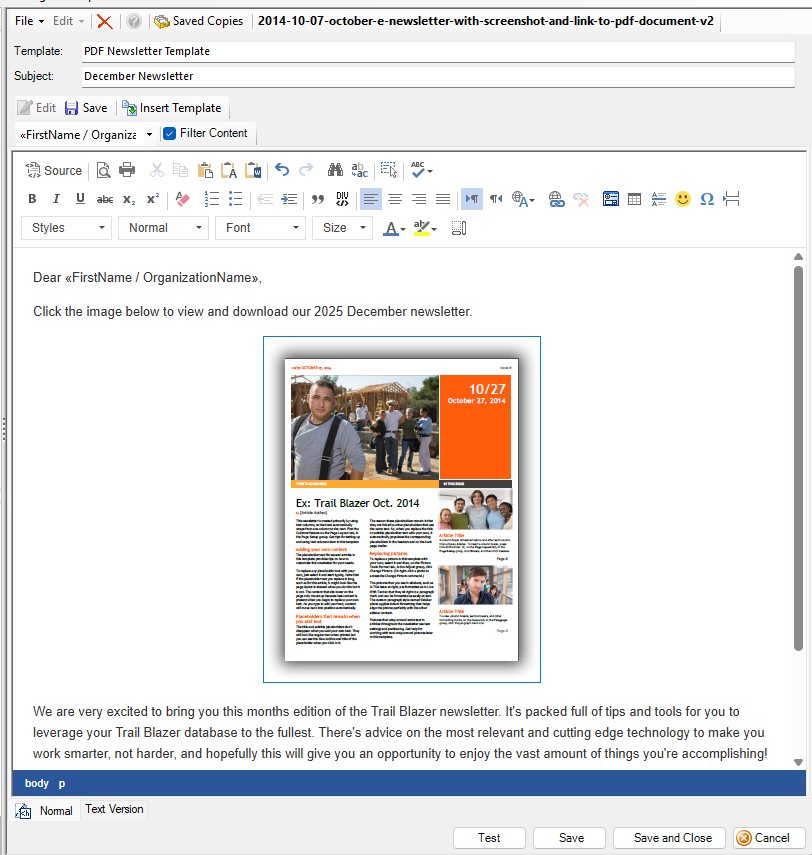
Learn how to upload a PDF newsletter into a bulk email campaign.
Article 1: Read Now
Article 2: Read Now
Learn how to build and save a year-by-year giving history report: Read Now

Our office will be closed Thursday and Friday this week for Thanksgiving.

Do you need training on a particular topic in Trail Blazer? Get signed up for free today: Register Now

Learn how to easily find and merge duplicate records in your database: https://www.youtube.com/watch?v=6Yue7DjNA_8

Learn how to upgrade your Trail Blazer desktop application to version 8.5.80.0.
Watch now: https://www.youtube.com/watch?v=AaSkjCHhPxM

Creating custom formats (views of data) is a powerful tool in the Trail Blazer CRM. This allows you to view information you need, and remove columns of data you don't need. Below is an example format that displays a few commonly-used contribution columns. Learn more: https://www.youtube.com/watch?v=zeQO4kmKTQg

Do you need your addresses refreshed with NCOA? Contact us today for help: support@trailblz.com

Our office will be closed Monday, September 1st for Labor Day.
Do you need some live training on the Trail Blazer software? Get signed up today: https://www.trailblz.com/LearningResources/Events
Unlimited live training is part of your subscription.

Learn how to geocode your address data in order to "cut turfs". Turfs can be used for tasks such as creating a targeted universe for door-knocking, direct mail campaigns, and more.
Watch Video - Cut Turf: https://www.youtube.com/watch?v=TTGEihGDZwU
Watch Video - Geocode Addresses: https://www.youtube.com/watch?v=lFKzMfqQU94
Example Turf

Check out this video to learn how to create a dynamic search favorite for who gave last year but not this year, as well as how to add in relevant columns of data via formatting.
Watch now: https://jkristenson-trailblz.tinytake.com/msc/MTEwMzA5MzBfMjQ3NTk0MzM
